


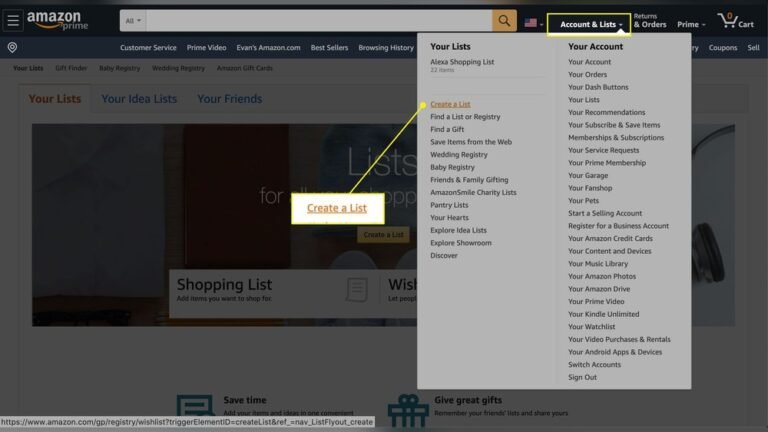
Looking for the perfect way to keep track of gift ideas on Amazon? You’re not alone.
Whether it’s for birthdays, holidays, or special occasions, having a list ready makes shopping easier and stress-free. Imagine saving your favorite items all in one place, so you never forget a great gift again. In this guide, you’ll learn exactly how to add gift ideas to your Amazon list quickly and effortlessly.
By the end, you’ll have a simple system to organize your shopping and make gift-giving a breeze. Ready to get started? Let’s dive in!
Create An Amazon Account
Creating an Amazon account is the first step to add gift ideas to your Amazon list. Without an account, you cannot save or organize gift items. The process is quick and easy. It helps you keep track of gifts for friends and family.
Follow simple steps to set up your account. This guide explains how to create your Amazon account clearly.
Create Your Amazon Account
Go to the Amazon homepage. Look for the “Sign In” button at the top right corner. Click on “Create your Amazon account.”
Enter Your Personal Details
Fill in your name, email address, and a strong password. Make sure your password is easy to remember but hard to guess. Confirm your password by typing it again.
Verify Your Email Address
Amazon sends a verification code to your email. Check your inbox for this code. Enter the code on the Amazon page to confirm your email.
Complete Your Account Setup
After verification, your account is ready. You can now sign in and start adding gift ideas. Keep your login details safe for future use.
Navigate To Wish List
Navigating to your Amazon Wish List is simple and quick. This step is important to add gift ideas easily. You can find your saved lists and manage them all in one place.
Start by logging into your Amazon account. The Wish List holds all your gift ideas and products you want. This helps you keep track and share your favorites with others.
Access Your Account Menu
Look for the account icon or your name at the top right. Click it to open a drop-down menu. This menu gives you quick access to many features.
Select “wish List” From The Options
In the drop-down menu, find the “Wish List” option. Click it to go directly to your lists. You may see multiple lists if you created more than one.
Choose The List To Add Gift Ideas
Pick the list where you want to add your gift idea. You can create a new list if needed. This keeps your gift ideas organized and easy to find.
Search For Gift Items
Searching for gift items on Amazon is simple and fast. It helps you find the perfect present for any occasion. Amazon has millions of products to choose from. You can explore many categories and styles.
Knowing how to search smartly saves time. It also makes your gift list more useful. Use clear words and filters to narrow down your options. This way, you see only the items you want.
Use The Search Bar Effectively
Type simple keywords related to the gift idea. Avoid long or complex phrases. For example, use “coffee mug” instead of “best coffee mug for office use.” Check the suggestions Amazon shows as you type. They help find popular items quickly.
Filter Your Results
After searching, use filters on the left side. Choose categories like price, brand, or customer rating. Filters make the list shorter and easier to browse. For instance, pick “under $20” to find budget-friendly gifts.
Read Product Titles And Images
Look closely at the product title and main image. They give quick clues about the item. Titles often show size, color, or special features. Images show what the gift looks like. This helps decide if the item fits your list.
Check Customer Reviews And Ratings
Customer feedback shows if a product is good quality. Look for items with many positive reviews. High ratings mean other buyers liked the gift. Reading a few reviews helps avoid bad choices.
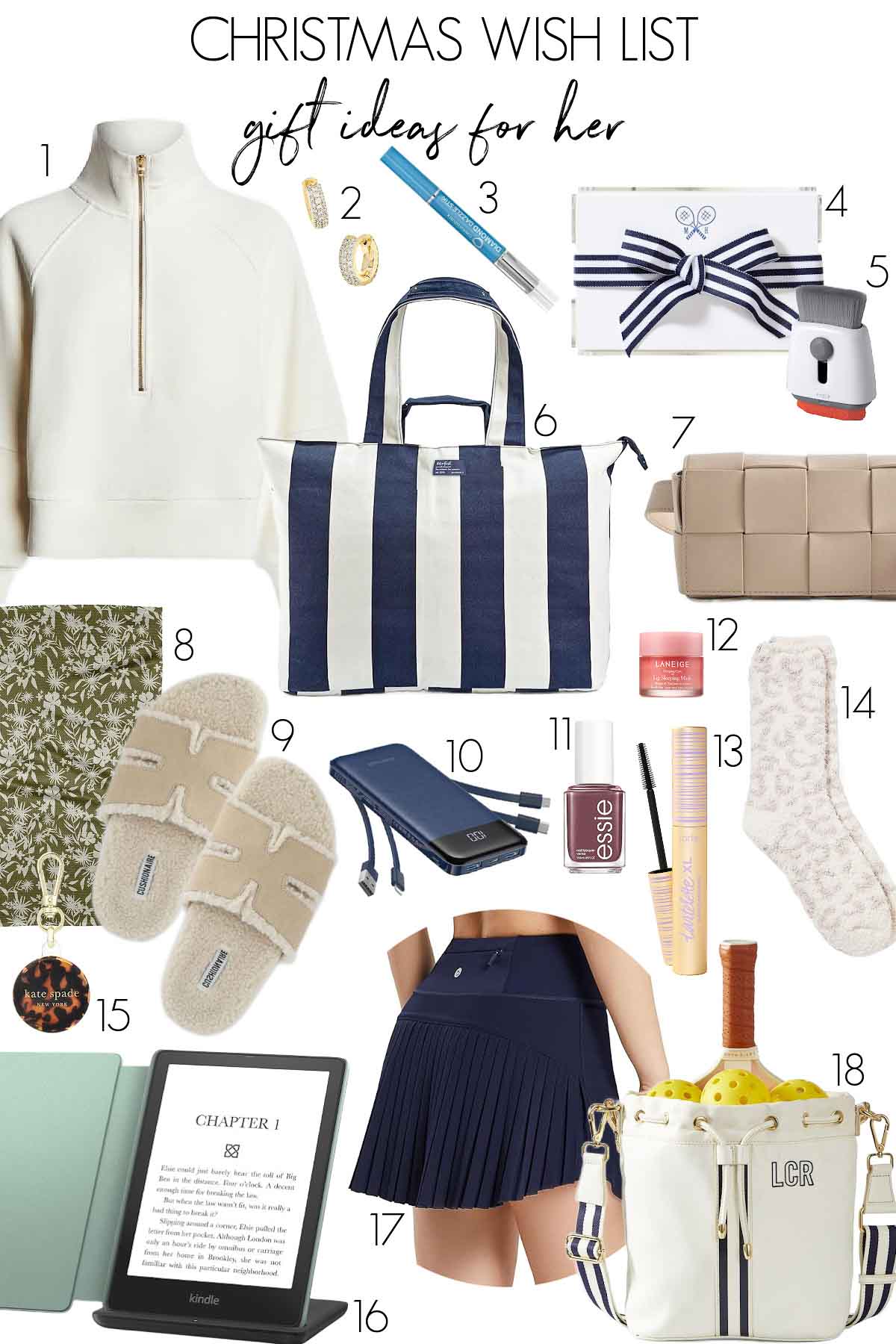
Credit: www.drivenbydecor.com
Add Items To Your List
Adding items to your Amazon list helps you keep track of gift ideas. This way, you can save products you like and buy them later. It is easy and quick to do.
You can add almost any item from Amazon to your list. This makes shopping for gifts simple and organized.
Add Items From Product Pages
Visit the product page of the item you want to add. Look for the “Add to List” button near the “Buy Now” button. Click it and choose your list. The item will save automatically.
Use The Search Bar To Find Items
Type the product name in the search bar. Find the item you want from the results. Click on the product and use the “Add to List” option. This adds the item without buying it.
Add Items Using The Amazon App
Open the Amazon app on your phone. Search for the item you want to add. Tap the product and then tap “Add to List”. Choose the list and the item will be saved.
Add Items From Browsers With Amazon Assistant
Install Amazon Assistant on your browser. While browsing, click the Amazon Assistant icon. Select “Add to List” to save items from any website. This tool helps you save gift ideas quickly.
Customize Your Gift List
Customizing your gift list on Amazon helps keep it organized and personal. It makes finding and sharing gifts much easier. Small changes can make a big difference in managing your list effectively.
Here are simple ways to customize your gift list to suit your needs perfectly.
Rename The List
Start by giving your list a clear, unique name. This helps you spot it quickly among other lists. Choose a name that describes the occasion or the group of people. For example, “Mom’s Birthday Gifts” or “Holiday Shopping 2024.”
Renaming is easy. Just open your list, find the settings, and edit the name. Save the changes to update it immediately.
Set Privacy Settings
Control who can see your gift list by adjusting privacy settings. You can make the list public, private, or shared with specific people. Public lists are visible to anyone, while private ones stay only for you.
Sharing with select friends or family helps coordinate gifts without spoiling surprises. Change privacy settings in your list options. Choose the best setting based on your purpose.
Add Notes To Items
Adding notes to each item adds useful details. You can write why you want the item or special instructions. This helps friends and family understand your preferences better.
To add a note, click on the item and type your message. Keep notes short and clear. This small step makes your gift list more informative and helpful.
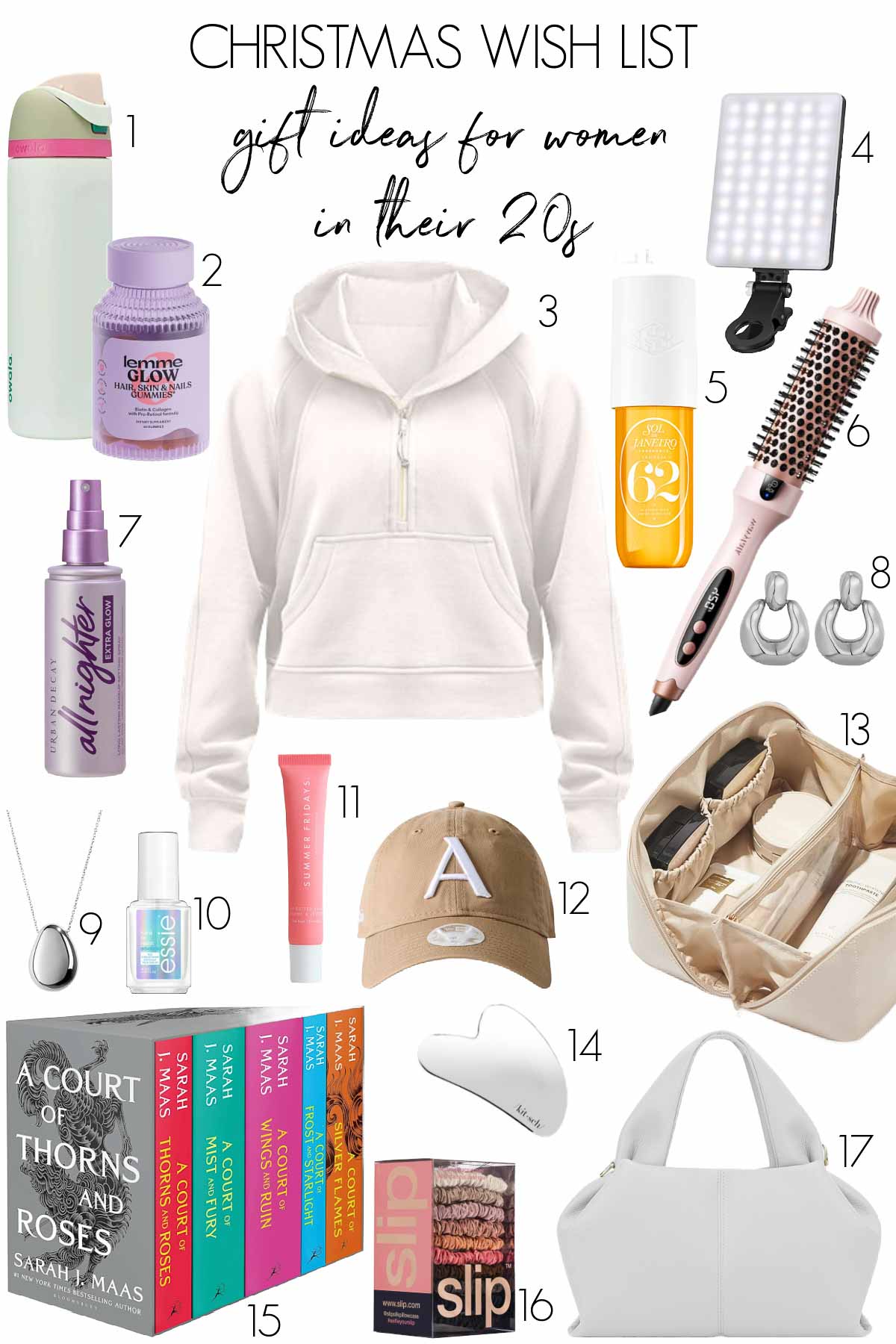
Credit: www.drivenbydecor.com
Share Your Gift List
Sharing your Amazon gift list helps others know exactly what you want. It saves time and avoids guesswork. You can easily share your list with friends and family. This way, everyone can see your gift ideas in one place. Sharing also helps keep your wishes organized and clear.
Generate Shareable Link
Amazon lets you create a link to your gift list. This link can be shared with anyone. To create it, open your list and find the “Invite” or “Share” button. Click it and choose to make your list public or shared. Copy the link that appears. Now, you have a simple URL to send to others.
Send List To Friends And Family
After generating the link, you can send it through email or chat. Paste the link in a message and add a note if you want. This helps your friends and family find your gift ideas easily. They can view your list anytime and pick the perfect gift for you. Sharing your list keeps gift-giving simple and fun.
Manage And Update Your List
Managing and updating your Amazon gift list keeps it organized and useful. It helps you track what you want and what others have bought. Regular updates make sure your list stays current and helpful for gift-givers.
Remove Items
Remove items you no longer want or need. This keeps your list tidy and clear. To remove, go to your list, find the item, and click “Delete.” This stops clutter and confusion.
Mark Items As Purchased
Mark items as purchased to avoid duplicates. This lets others know the gift is taken. Simply select the item and choose “Mark as Purchased.” It helps everyone stay informed.
Add New Items
Adding new gifts keeps your list fresh. Find the product on Amazon and click “Add to List.” You can update anytime with new ideas. This way, your list grows with your needs.

Credit: www.moonsift.com
Use Alexa To Add Gift Ideas
Using Alexa to add gift ideas to your Amazon list makes shopping easier. Alexa listens to your voice and quickly saves items for you. No need to open the app or type anything. Just speak, and Alexa does the work.
This method is fast and hands-free. Perfect when you spot a gift but cannot use your phone. Alexa keeps track of your ideas in one place. Later, you can review the list and buy gifts with ease.
How To Enable Alexa Shopping List
Open the Alexa app on your phone. Go to settings and find the shopping list option. Turn it on to start using voice commands for your gift ideas. Make sure your Amazon account is linked to Alexa.
Voice Commands To Add Gift Ideas
Say “Alexa, add [item] to my gift list.” For example, “Add a coffee mug to my gift list.” Alexa will confirm the item is saved. You can add many items this way, just speak clearly.
Check Your Gift List With Alexa
Ask Alexa to read your gift list anytime. Say “Alexa, what’s on my gift list?” Alexa will list your saved gift ideas out loud. This helps you remember what you planned to buy.
Manage Your Gift List In The Alexa App
Open the Alexa app to see your gift list. You can remove items or mark them as bought. The app keeps your list organized and easy to use. It syncs automatically with your voice commands.
Frequently Asked Questions
How Do I Add A Gift Idea To My Amazon List?
To add a gift idea, find the item on Amazon. Click “Add to List” below the buy button. Choose your desired list or create a new one. This saves the gift idea for easy access later.
Can I Add Gift Ideas From Mobile Devices?
Yes, you can add gift ideas using the Amazon app. Open the app, find the item, tap “Add to List,” and select the list. Mobile adding is quick and convenient for on-the-go users.
How To Share My Amazon Gift List With Others?
Open your Amazon list, click “Share,” and copy the link. Send this link to friends or family. This allows others to view and buy gifts from your curated list.
Is It Possible To Add Custom Gift Ideas On Amazon?
Amazon only allows adding existing products to lists. You cannot add custom or non-Amazon items directly. You can add notes or links in your list description for extra ideas.
Conclusion
Adding a gift idea to your Amazon list is quick and simple. This helps you keep track of items you want to buy later. It also makes gift shopping easier for friends and family. Just follow the steps carefully and use your Amazon account.
You can add gifts anytime you find something nice. This way, you stay organized and never forget a great gift idea. Start adding gifts today and enjoy a smoother shopping experience.
When you purchase a product through Amazon links on widgetygoodness.com, we may earn a commission at no extra cost to you. This helps support the site and keep our content free. As an Amazon Associate, I earn from qualifying purchases.